
Bolly Game Download – Android APK Installation & Update Guide
BollyGameHub provides independent information to help users understand how to access, install and update Bolly Game on Android devices. This page is not an official Bolly Game download page and BollyGameHub is not the game operator.
Bolly Game includes real-money gaming features. 18+ only, subject to the legal age and laws applicable in your location. Real-money gaming involves financial risk and you may lose money.
Before You Download Bolly Game
Before downloading any APK, make sure you understand where the file is coming from. Android apps distributed outside Google Play may require installation from an external source.
Avoid APK files sent by unknown people, unofficial social-media accounts or websites making unrealistic claims such as guaranteed winnings or guaranteed bonuses.
Before installation, it is also sensible to confirm that you have enough storage space, a stable internet connection and access to the mobile number you intend to use with your account.
Referral disclosure: This is a referral link. BollyGameHub may receive a referral benefit if applicable conditions are met. Offers and eligibility can change. 18+ only; real-money gaming involves financial risk.
How to Download Bolly Game on Android
The exact download interface can change over time, but the general process is straightforward.
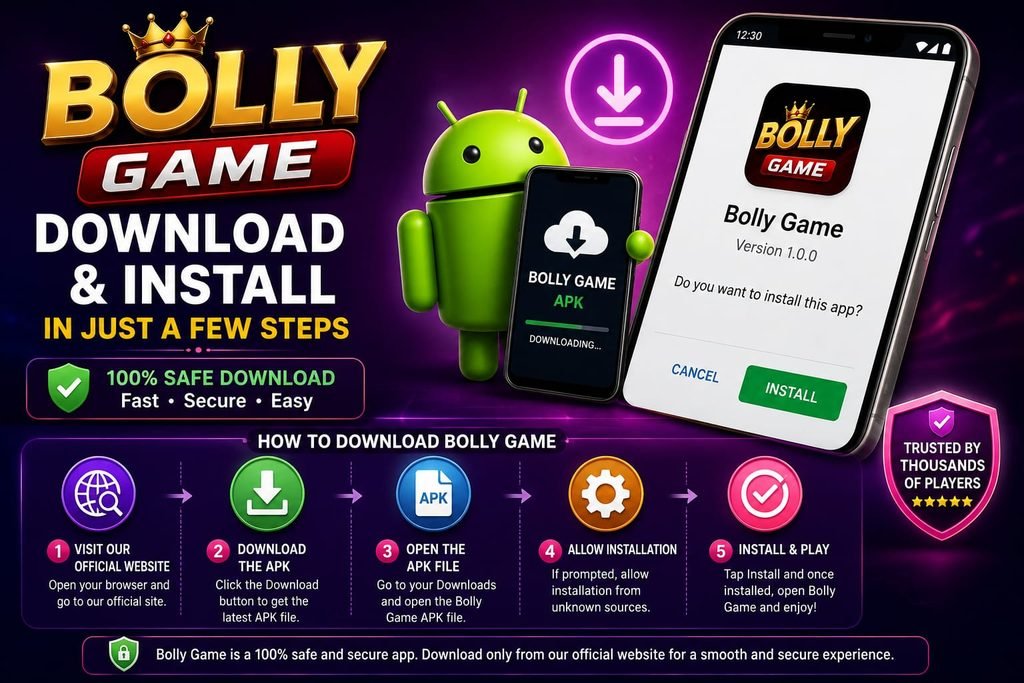
Open the Bolly Game download or referral page you intend to use.
Check that the page and download information are what you expected before continuing.
Tap the relevant download option and allow the APK file to finish downloading.
When the download is complete, open the downloaded APK file.
If Android asks for permission to install apps from that source, review the permission carefully before enabling it.
Follow the installation prompts until installation is complete.
After installation, open the app and follow the current registration or login instructions shown on screen.
Do not disable Android security protections permanently just to install an APK. If you temporarily allow installation from a particular source, review that permission after installation.
Installing an APK on Android
Android may display a security message when an APK has been downloaded outside the Play Store. The wording and location of this setting can vary depending on your Android version and phone manufacturer.
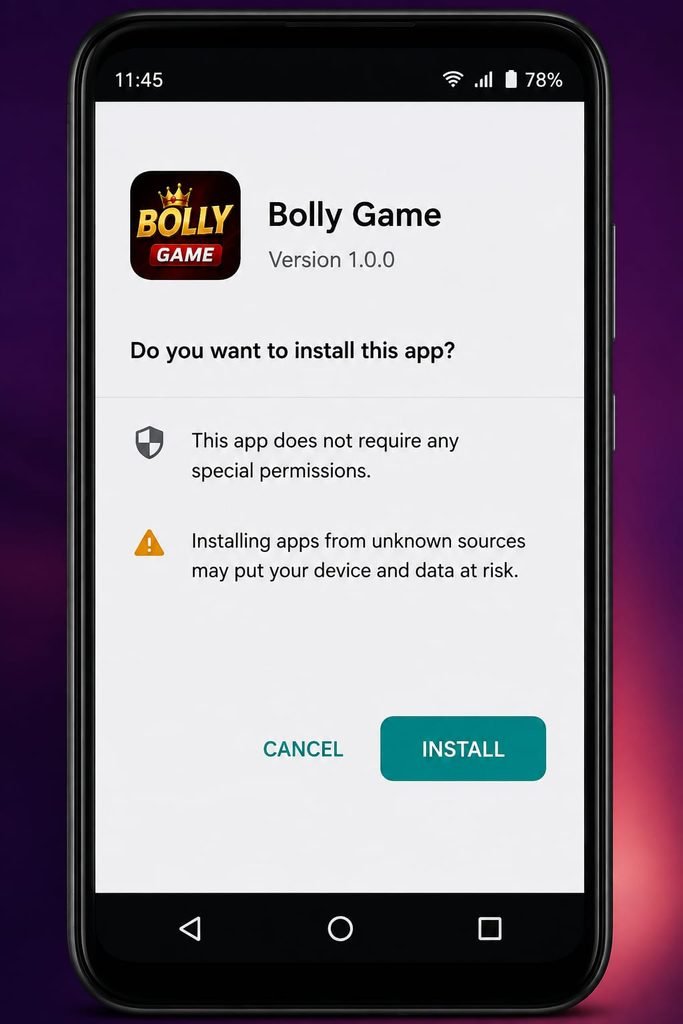
Allow Installation Only When Required
If your phone blocks the installation, Android may provide an option to allow installation from the browser or file manager being used.
Only enable this permission when you trust the file and source you intentionally selected.
Complete the Installation
After permission is granted, return to the APK and continue with the installation. When Android confirms that the app has been installed, you can open it.
Review Installation Permission Afterwards
For better security, you can return to your Android settings and disable the external-install permission for that browser or file manager when you no longer need it.
Bolly Game Registration After Installation
After opening the app, follow the registration instructions currently displayed by Bolly Game.
Keep control of the mobile number connected with your account. Never share your password, OTP or other sensitive login credentials with someone claiming they can guarantee bonuses, withdrawals or winnings.
Registration promotions can change. A promotional amount shown in an advertisement or old screenshot should not be assumed to be permanently available.
How to Update Bolly Game
Apps can change over time, so an older installation may eventually require an update.
If the app itself displays an update notice, carefully review the information and use the intended update route.
If you need to download a newer APK, confirm the source again rather than downloading an update from an unknown third-party message or file-sharing link.
Before replacing or reinstalling an app, make sure you remember the account information required to access your existing account.
Bolly Game APK Not Installing
If the APK does not install, there can be several possible reasons.
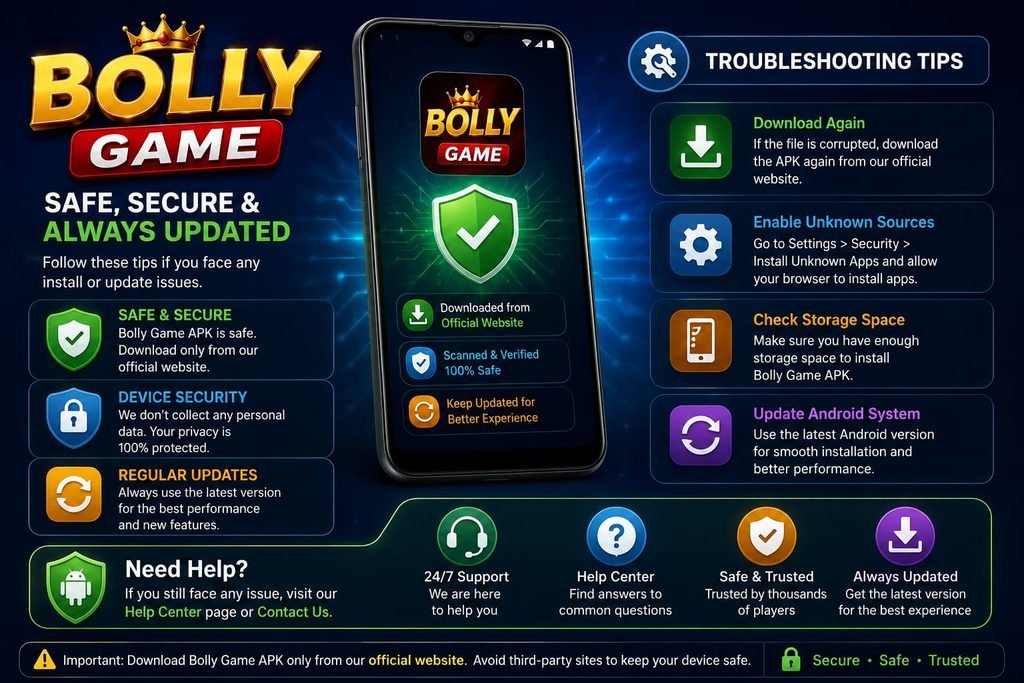
Download Did Not Complete
A damaged or incomplete APK may fail to install. Check whether the download completed successfully before trying again.
Installation Permission Is Blocked
Android may prevent the browser or file manager from installing external apps. Check the installation permission only for the source you intentionally used.
Not Enough Storage Space
Low device storage can prevent an installation or update. Check available storage and remove unnecessary files if required.
Old or Conflicting Installation
An existing version of an app can sometimes cause an installation conflict. Before uninstalling anything, make sure you understand whether doing so could affect locally stored information and that you know how to access your account again.
Device or Android Compatibility
Compatibility can vary between devices and software versions. Do not bypass important device-security protections simply to force an incompatible app to install.
What to Do If Bolly Game Does Not Open
If the app installs but does not open correctly, first check your internet connection and restart the app.
You can also restart the phone and check whether a newer app version is required.
Bolly Game’s settings interface reviewed by BollyGameHub includes a Click to Repair option. If that option is still available in your version of the app, it may be useful for certain app-related problems.
If a problem continues, use the customer-support options currently provided inside the app rather than sharing account credentials with an unknown third party.
Is BollyGameHub the Official Bolly Game Website?
No. BollyGameHub is an independent informational website. We do not operate Bolly Game and do not control its app, accounts, games, deposits, withdrawals, bonuses or customer-support decisions.
Where appropriate, BollyGameHub may provide referral links. Referral relationships will be disclosed. Using a referral link does not turn BollyGameHub into the official game operator.
Download Safety Checklist
Before installing an APK, remember these basic checks:
Confirm that you intentionally opened the intended download source.
Avoid APK files sent by unknown people.
Do not share OTPs, passwords or banking credentials.
Do not believe claims of guaranteed profits or guaranteed winnings.
Keep important Android security protections enabled.
Check current in-app terms for bonuses, deposits and withdrawals because conditions can change.
Understand the financial risks before using real-money gaming features.
Referral disclosure: This is a referral link. BollyGameHub may receive a referral benefit if applicable conditions are met. Offers and eligibility can change. 18+ only; real-money gaming involves financial risk.
Frequently Asked Questions
Can I download Bolly Game on Android?
Bolly Game is available in an Android app/APK format based on the interface reviewed for this guide. The current distribution method can change, so check the intended current source before installing.
Why does Android ask for permission when installing the APK?
Android can require permission when an app is installed from outside Google Play. Only grant installation permission to a source you intentionally chose and trust.
Should I permanently enable installation from unknown sources?
No. There is normally no reason to leave broad external-install permissions enabled permanently. Only allow the specific source when necessary and review the permission afterwards.
What should I do if the Bolly Game APK does not install?
Check that the download completed, sufficient storage is available, the required installation permission is enabled for the intended source and the app is compatible with your device.
Can a Bolly Game bonus change?
Yes. Registration bonuses, recharge promotions and other offers can change. Check the current terms shown in the app instead of relying on an old promotional message.
Does downloading Bolly Game guarantee earnings?
No. Installing or using a real-money gaming app does not guarantee earnings. You can lose money.
- Bolly Game Login & Registration
- Bolly Game Help & Troubleshooting
- Bolly Game Safety & Responsible Play
Important 18+ and Risk Notice
Bolly Game includes real-money gaming features. Use of such features should be limited to adults who meet the legal age requirements applicable in their location.
Real-money gaming can result in financial loss. Do not borrow money to play, chase losses or use money required for essential expenses. Check the laws and rules applicable in your location before participating.
BollyGameHub is an independent informational website and is not the official Bolly Game operator. App availability, download methods, promotions and platform rules may change.